
Appearance
Executing Actions manually
An action can be executed manually at any time through Flow Designer. Any person with access to Flow Designer and the Execute permission for the Action is able to execute it.
Open the Flow Designer
Navigate to the
ActionsgroupRight click the Action that you wish to execute and select
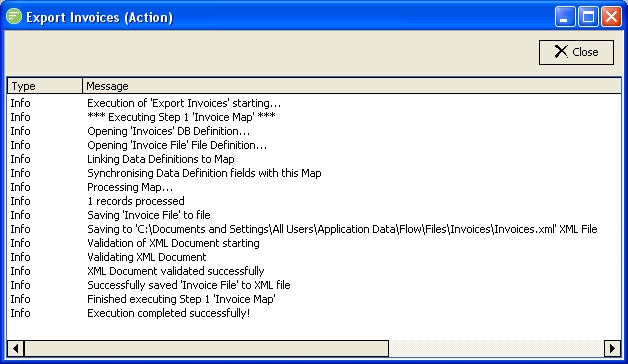
Run Actionfrom the context menu that appears.A log screen will appear that will fill with detail as the Action executes
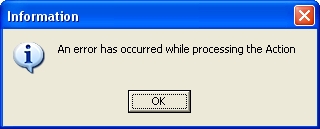
When finished a message box will appear indicating success or failure. Click
OKto continue.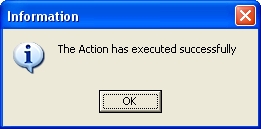
You can now review the Action log and double click entries to view more detail. Click
Closewhen finished.
WARNING
Sometimes the success/failure message box is hidden behind the Flow Designer application (particularly when moving around applications). In this case use ALT-TAB to switch back to the Flow Designer application which will cause the message box to come to the front.