

Appearance
New DB Disconnect Action Item
Selecting DB Disconnect Action creates a New DB Disconnect Action Item under the Action Steps Tab.
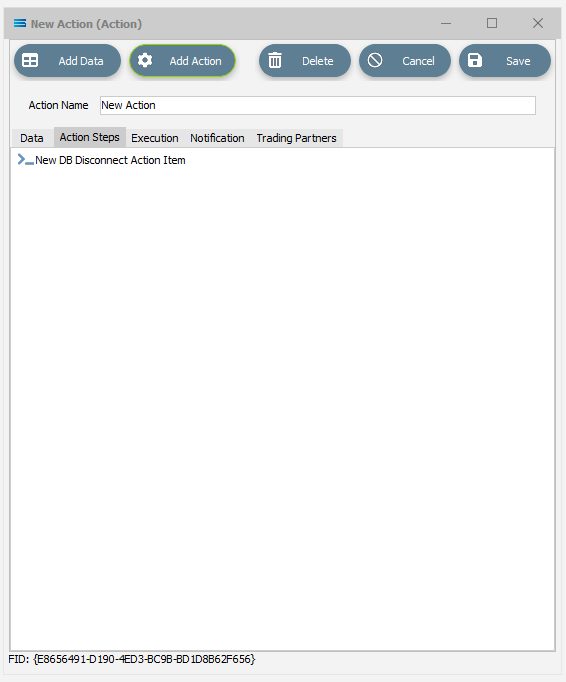
Click on the item to access the fields.
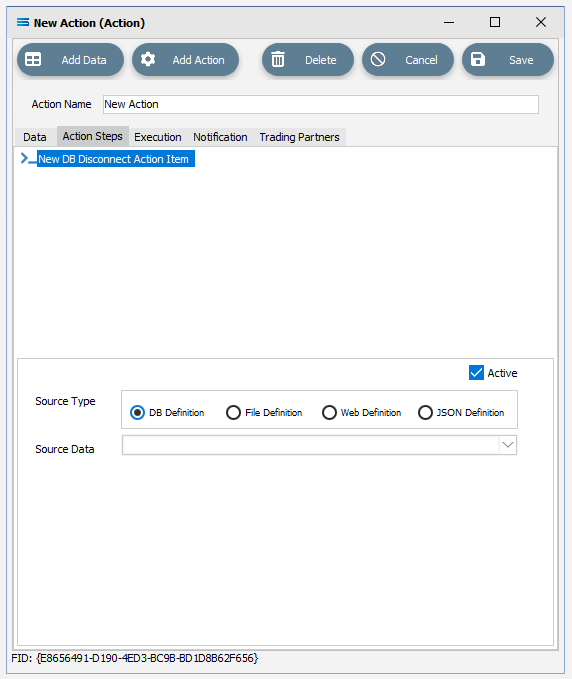
Fields
| Field Name | Description |
|---|---|
| Active | Tick this box to make this step “active”. You can skip this step by deactivating it. |
| Source Type | Select the type of data Definition you want to reference. |
| Source Data | Select the name of the data Definition whose DB Connection you wish to disconnect. There must be an item under the Data tab that this step can reference. |