

Appearance
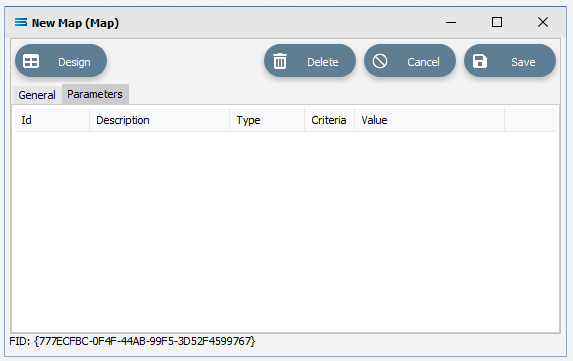
Parameters Tab (Map)
Parameters entered here, are Local Parameters.
Where a script references this Map Parameter field, the value entered on the Parameter will always be used,
Fields
| Field Name | Description |
|---|---|
| Parameter List | A list of parameters available on the Map. Right click anywhere in the blank details list pane to add or edit parameters. Double click on a particular parameter to remove it. Parameters can also be edited from within the Designer. |
WARNING
Be careful - double-clicking on the parameter line will delete the parameter.
For more information, please review User Parameters.
And for details regarding Global Parameters, please see Parameters.