

Appearance
New Inbound Transport Action Item
Selecting Inbound Transport Action creates a New Inbound Transport Action Item under the Action Steps Tab.
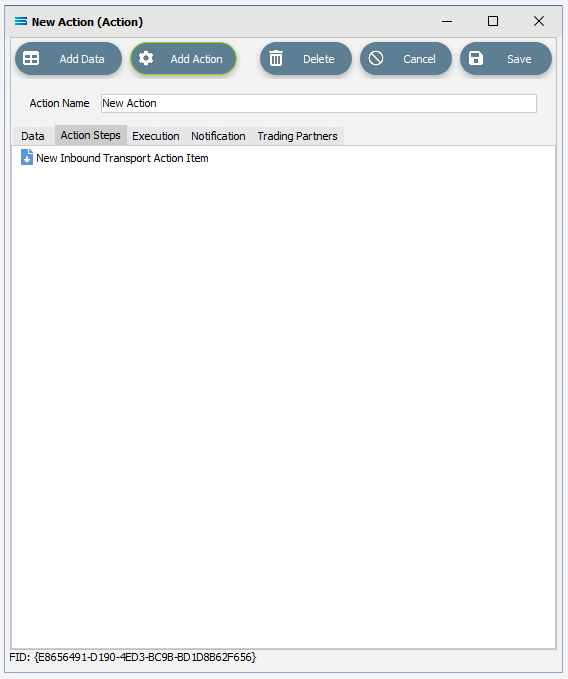
Click on the item to access the fields.
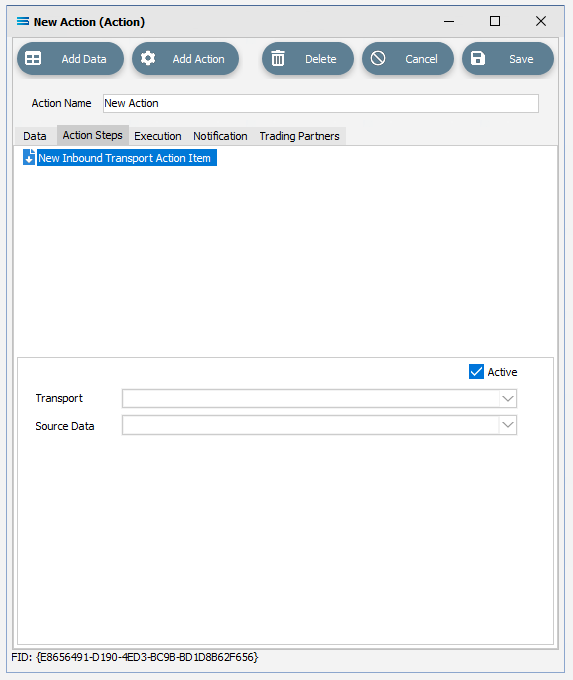
Fields
| Field Name | Description |
|---|---|
| Active | Tick this box to make this step “active”. You can skip this step by deactivating it. |
| Source Data | Select the File Definition which represents the file to be transported. There must be an item under the Data tab that this step can reference. The File Definition could be blank in the Designer as it does not need to read the structure of the file. |