
Appearance
Installing Microsoft SQL Management Console
By default the Microsoft SQL Management Console is not installed. Its install program is however downloaded to your Program Folder. Should you require it you need to install it yourself.
TIP
The install program is downloaded to c:\program files\flow software\components\SQLExpress2005\SQLServer2005_SSMSEE.msi
Double click SQLServer2005_SSMSEE.msi. Click
Next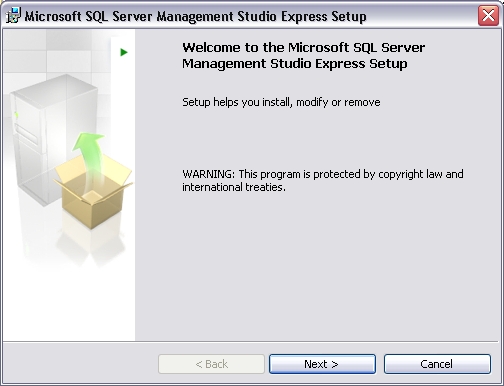
Read and accept the EULA agreement and click
Next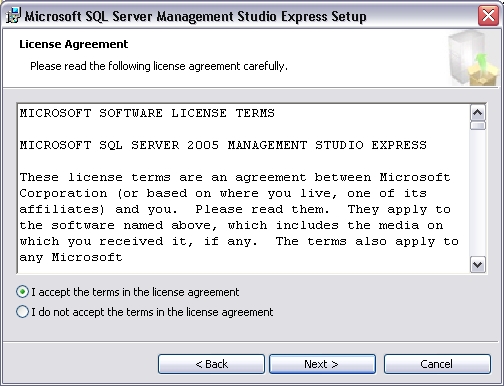
Enter your name and company name. Click
Next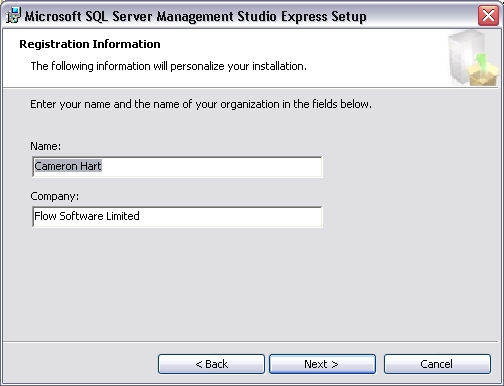
Select the location to install to. It is highly recommended to use the default for easier support. Click
NextClick
Installto being the installation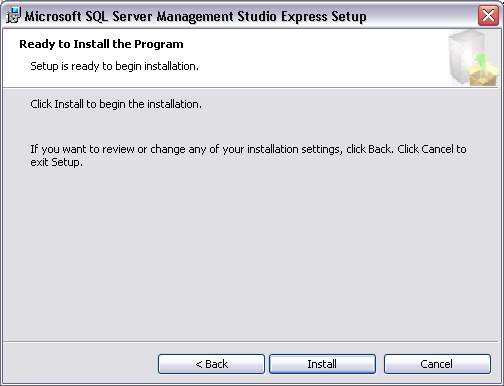
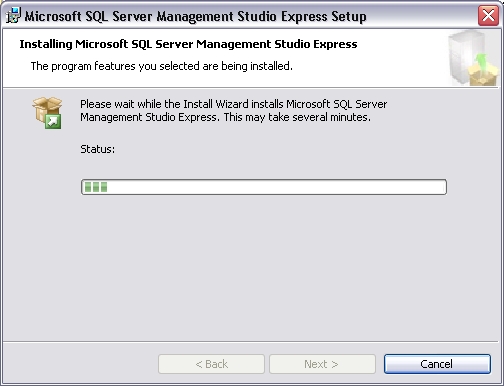
Installation will begin. This will take a few moments
Click
Finish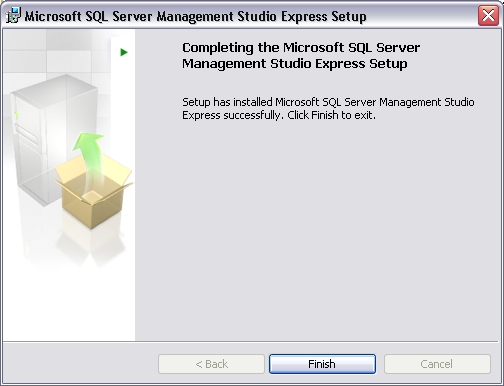
Please refer to the Microsoft SQL Management Console help files for information about using SQL Server.